
How Can We Help?
My Music Alliance Profile
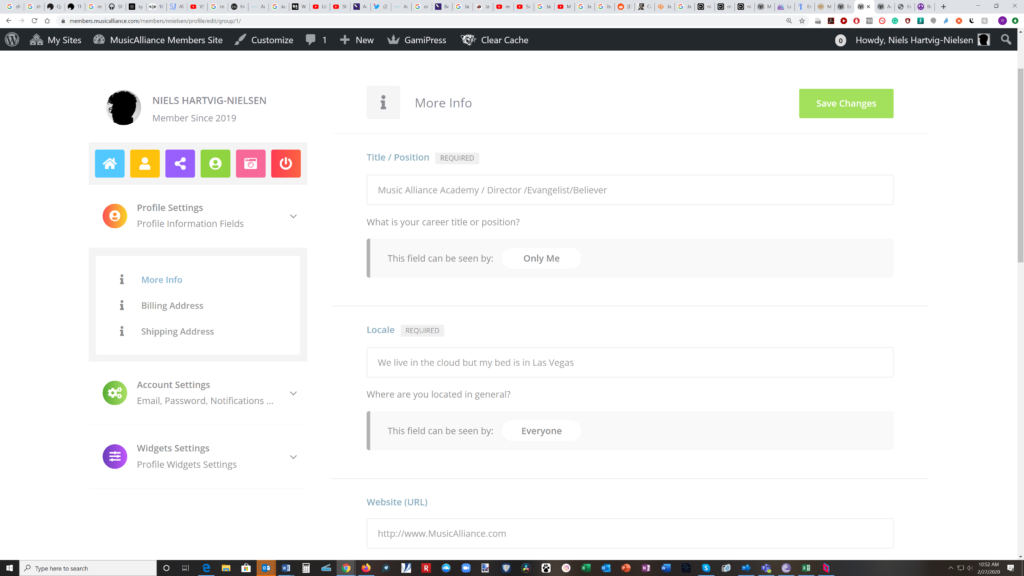
After you sign up for any level of membership, you will be able to create your profile page. There are many functions and features available and it is best to dive in and go for it.
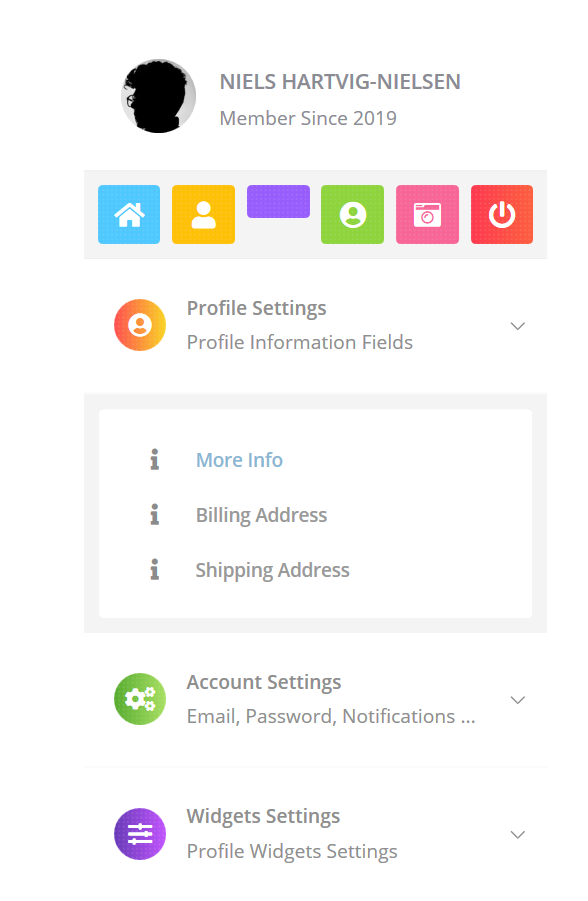
In the top left corner you will see your name and the year you joined us. Underneath are icons that will take you to other aspects of your profile. Just hover over them or click with your mouse and you can add things like your social networks, a profile avatar and cover image. You can log out using the icon furthest to the right. Underneath you can add your shipping and billing information, set up or alter your account settings. Then we get to widgets and who doesn’t love widgets.

OK Widgets. Let’s go! As you can gather your profile is all about sharing with everyone else how you would like to be seen. Pretty much like any other social media. The difference is you are part of a very specific community of professionals. So we think it is important to build your professional personna and attract to yourself those who get it and want to plug you in to their own journey. You are an artist, so create !
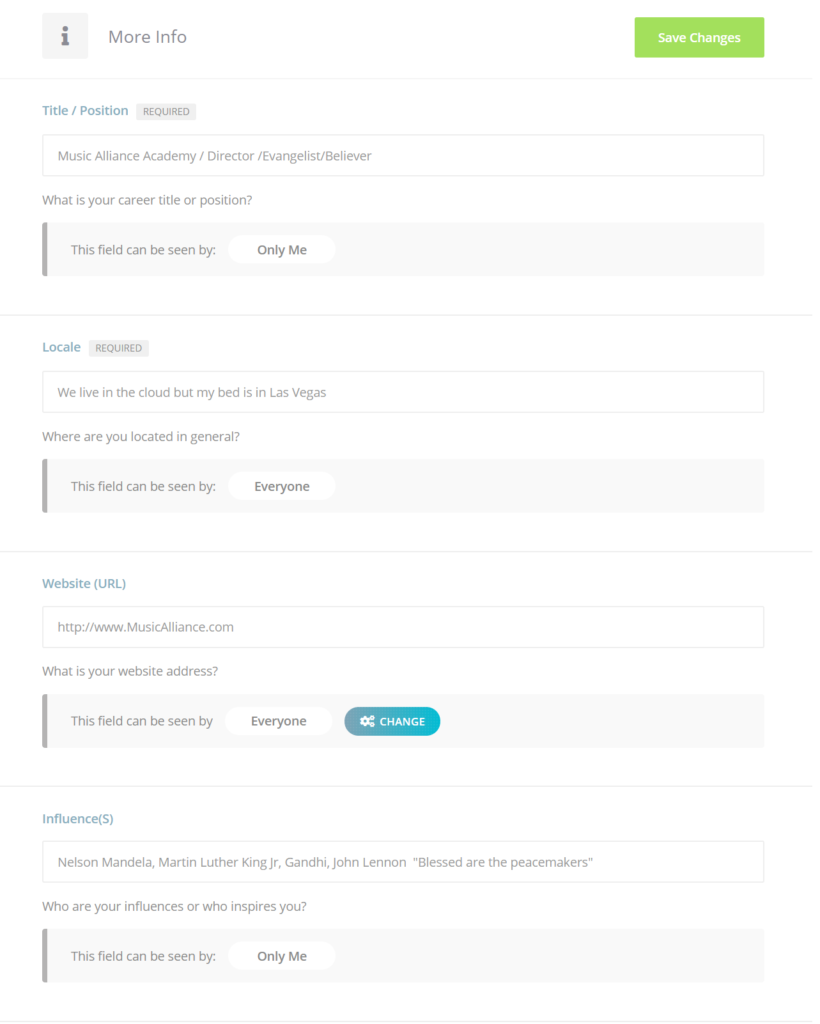
To the right of the page you will see several other “you” questions like how do you identify professionaly, where do you hang, your URL/Website (if you have one) and what your musical or creative influences are. This is followed by a brief written description below
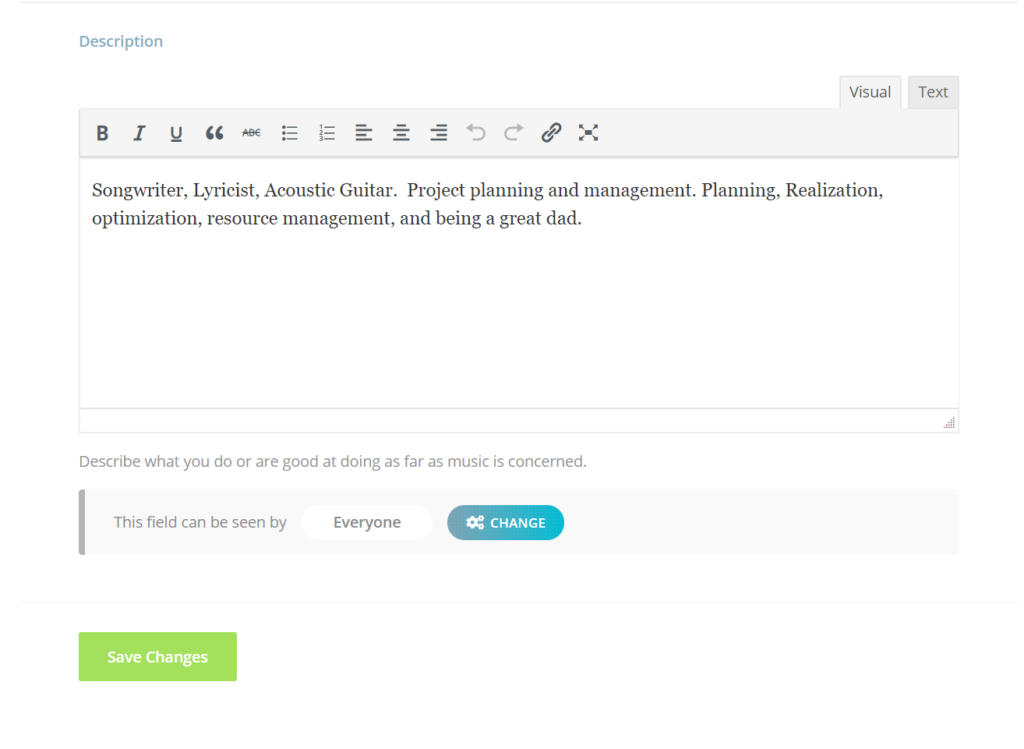
Here is where you can summarize your story about you. Imagine if you got up every morning and your job was to make music
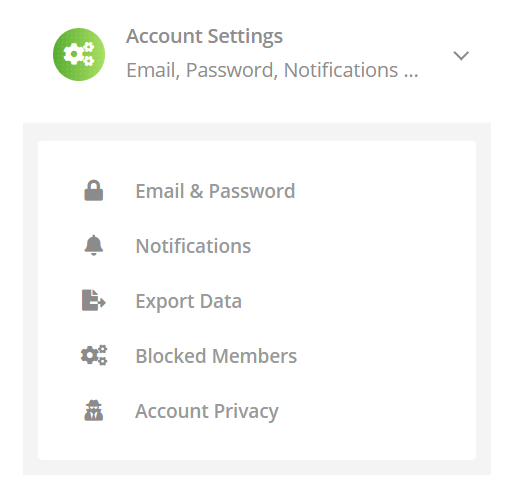
Account settings contain crital things including your email and password and the ability to export your data , block abusive posters, export your data and ensure your privacy
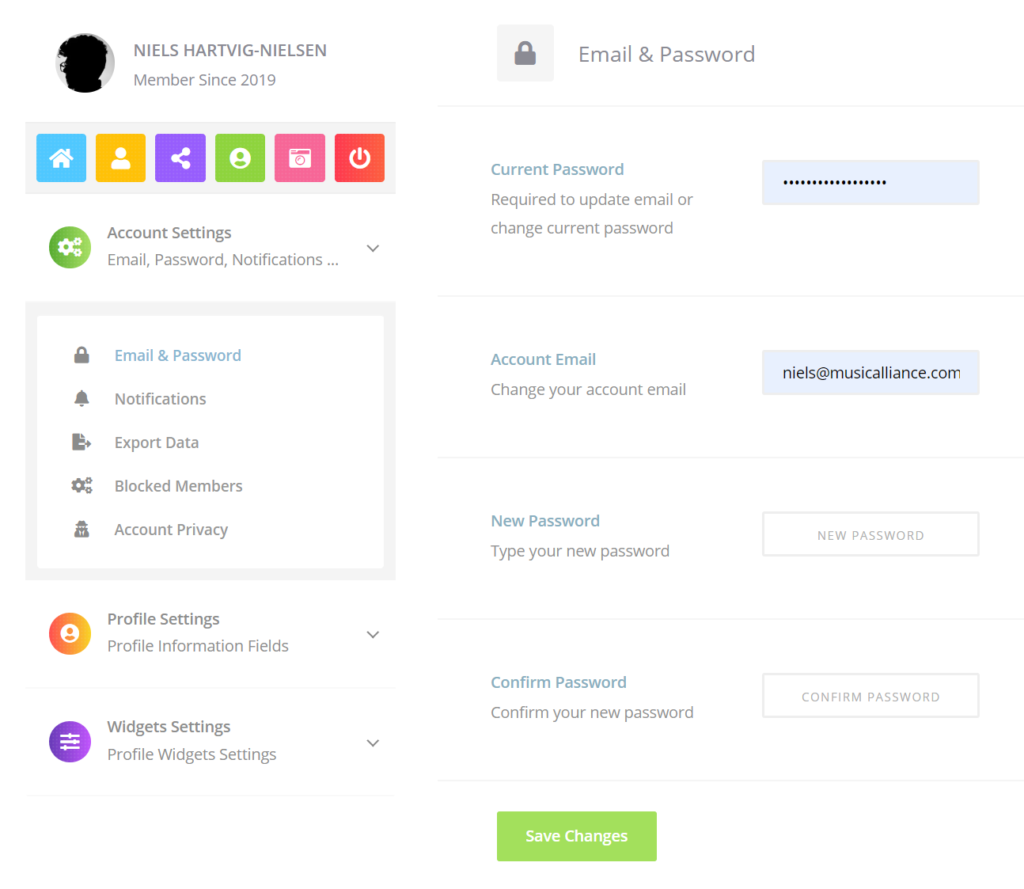
Always remeber to save your final changes as you go. To avoid having to start over